📬 Informed Delivery by USPS
Informed Delivery® by USPS lets you preview your mail before it arrives, track packages in one place, and receive delivery notifications — all for free.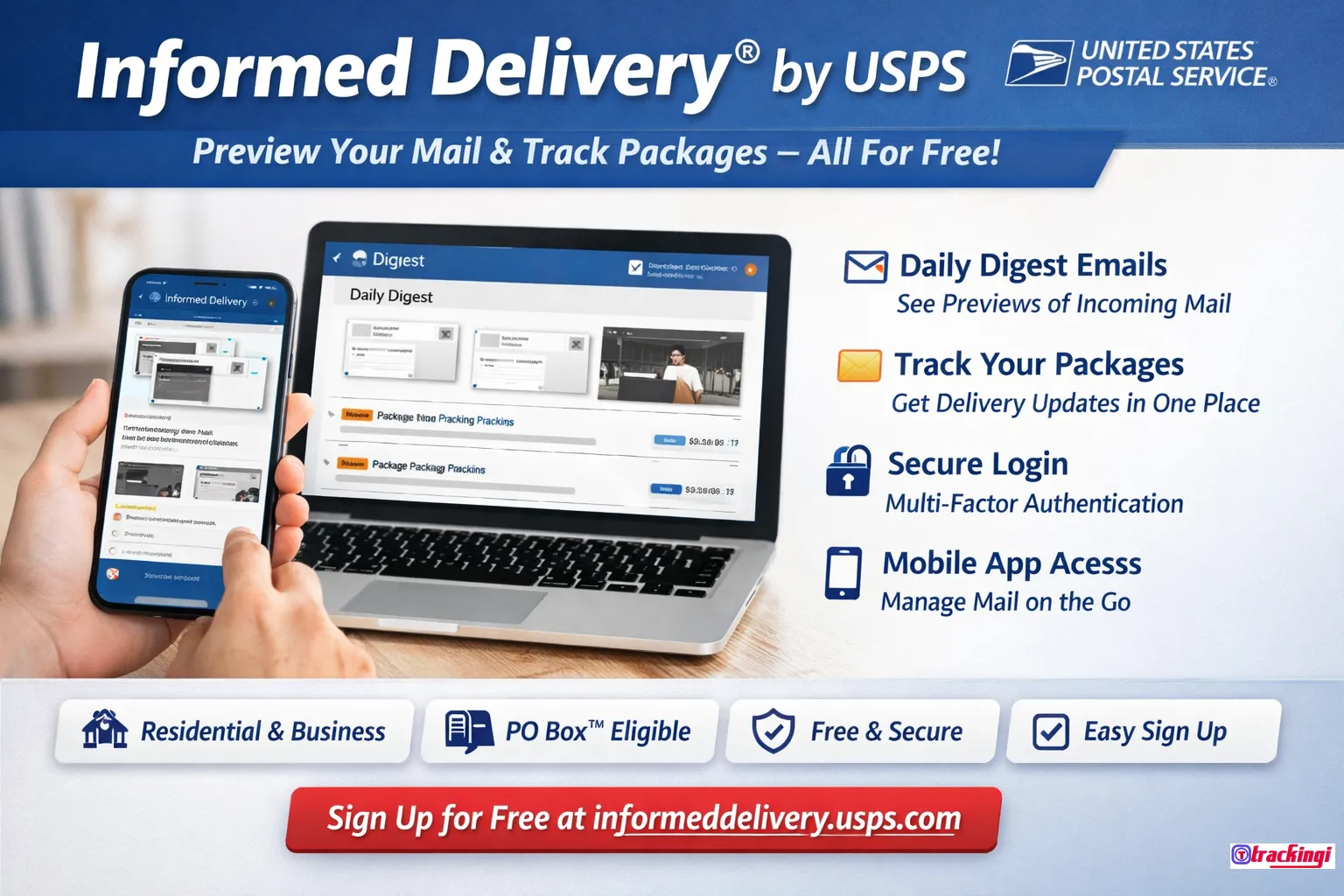
USPS Informed Delivery is a free digital service that allows you to see images of your incoming mail and track packages before they reach your mailbox. You can access Informed Delivery through daily email notifications, the online dashboard, or the USPS Informed Delivery app.
Millions of users rely on informed delivery USPS to manage personal and business mail more efficiently.
🔍 What Is Informed Delivery?
Informed Delivery is a free service from USPS that shows preview images of incoming letter-sized mail and provides status updates for incoming and outbound packages. Notifications are delivered via a Daily Digest email or through your online dashboard.
- Preview grayscale images of incoming letter-sized mail
- Track USPS packages in one centralized dashboard
- Receive email or text delivery notifications
- Manage delivery instructions and redelivery options
⚙️ How Does USPS Informed Delivery Work?
As mail moves through the USPS network, it passes through automated sorting equipment that captures an image of the address side of each letter. Informed Delivery displays these grayscale images before the mail arrives.
Package tracking information is also integrated, allowing you to monitor delivery progress for USPS shipments in real time.
⭐ Features of USPS Informed Delivery
- Daily Digest email previews
- Mail and package delivery notifications
- Package tracking history
- Custom package nicknames
- USPS Delivery Instructions®
- Schedule redelivery
- Electronic Signature Online
- Track Click-N-Ship® packages automatically
💰 How Much Does Informed Delivery Cost?
Informed Delivery is completely free. There is no subscription fee and no additional cost to use the service.
🏠 Who Is Eligible for Informed Delivery?
Most residential, business, and PO Box™ addresses in eligible ZIP Codes™ can use USPS Informed Delivery.
- Residential and business addresses
- PO Box™ addresses
- Addresses with uniquely coded mailboxes
Some apartment buildings or condos may not be eligible if addresses are not uniquely coded.
📝 How to Sign Up for USPS Informed Delivery
- Create or sign in to your USPS.com® account
- Check address eligibility
- Verify your identity
- Start receiving Informed Delivery notifications
Official signup page: USPS Informed Delivery Sign Up
🔐 Informed Delivery Login
To access your dashboard, sign in using your USPS.com credentials. Multifactor Authentication (MFA) is recommended for added security.
Login here: USPS Informed Delivery Login
📱 USPS Informed Delivery App
You can manage mail previews and package tracking through the USPS Mobile® app on iOS and Android.
🛠️ Common Issues & Troubleshooting
- Mail images only appear on delivery days
- No mail on Sundays or federal holidays
- Check spam folders for notification emails
- Add USPSInformeddelivery@email.informeddelivery.usps.com to contacts
🚀 Sign Up for USPS Informed Delivery Today
Preview your mail, track packages, and manage deliveries — all in one place.